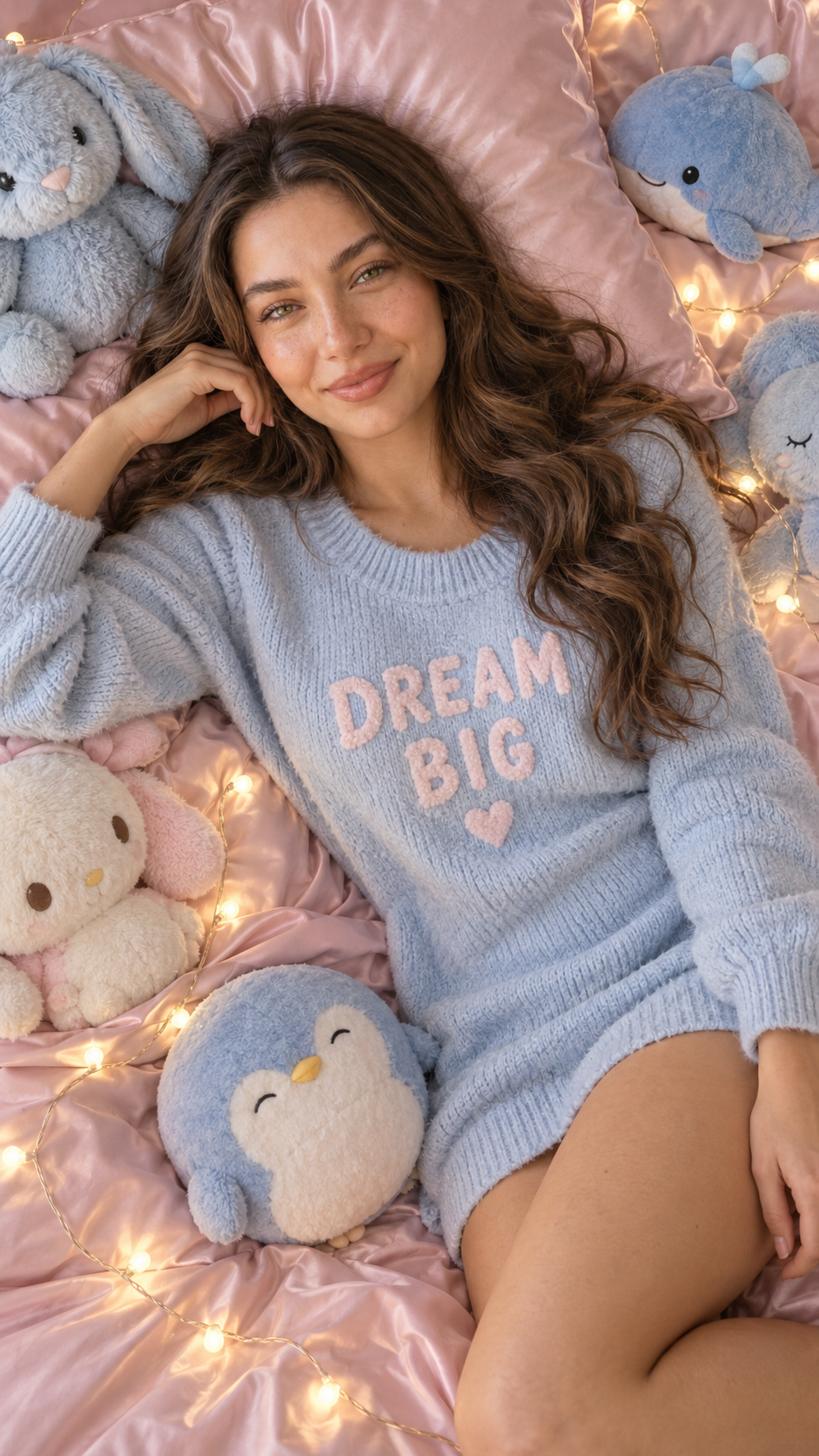
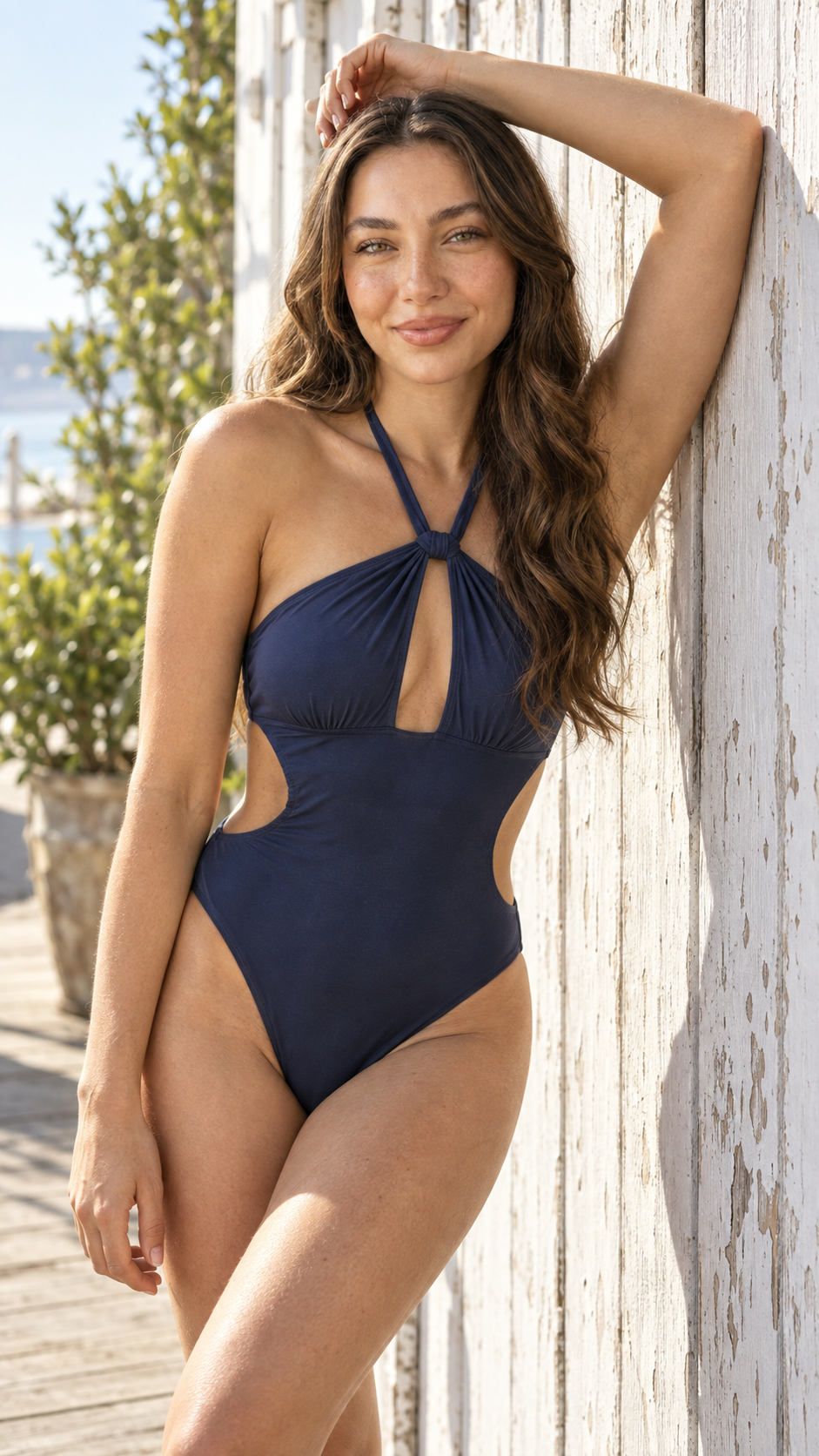
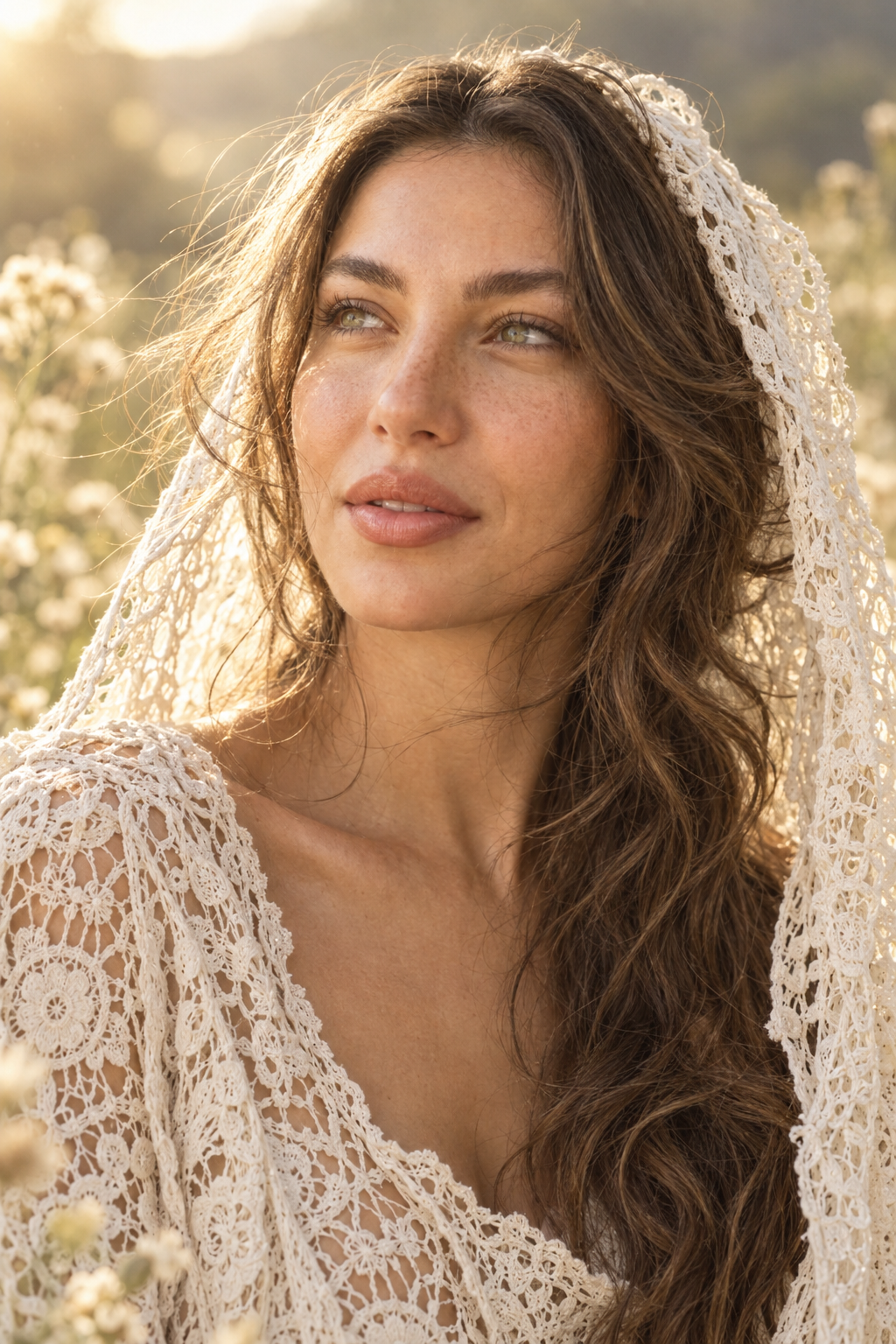
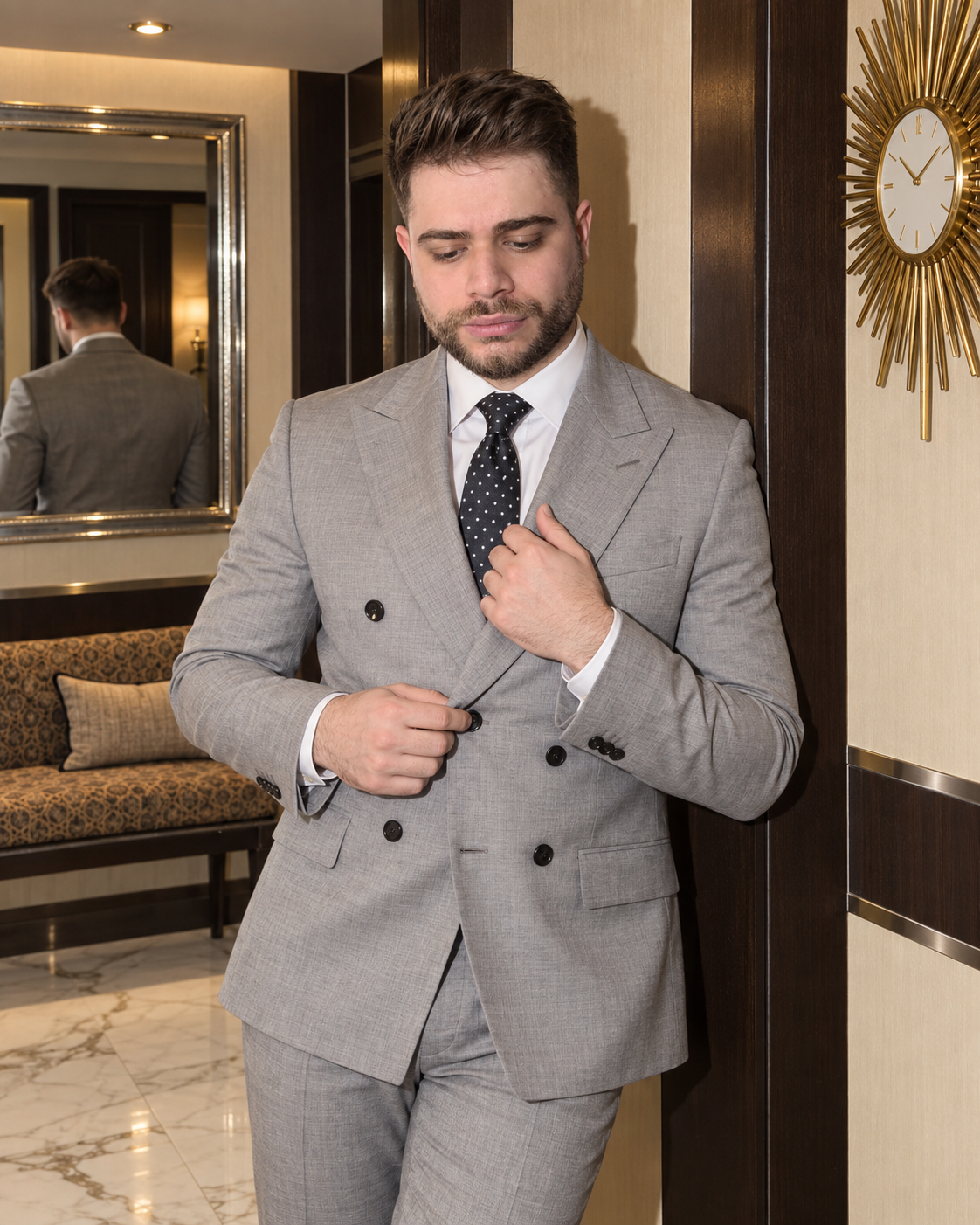
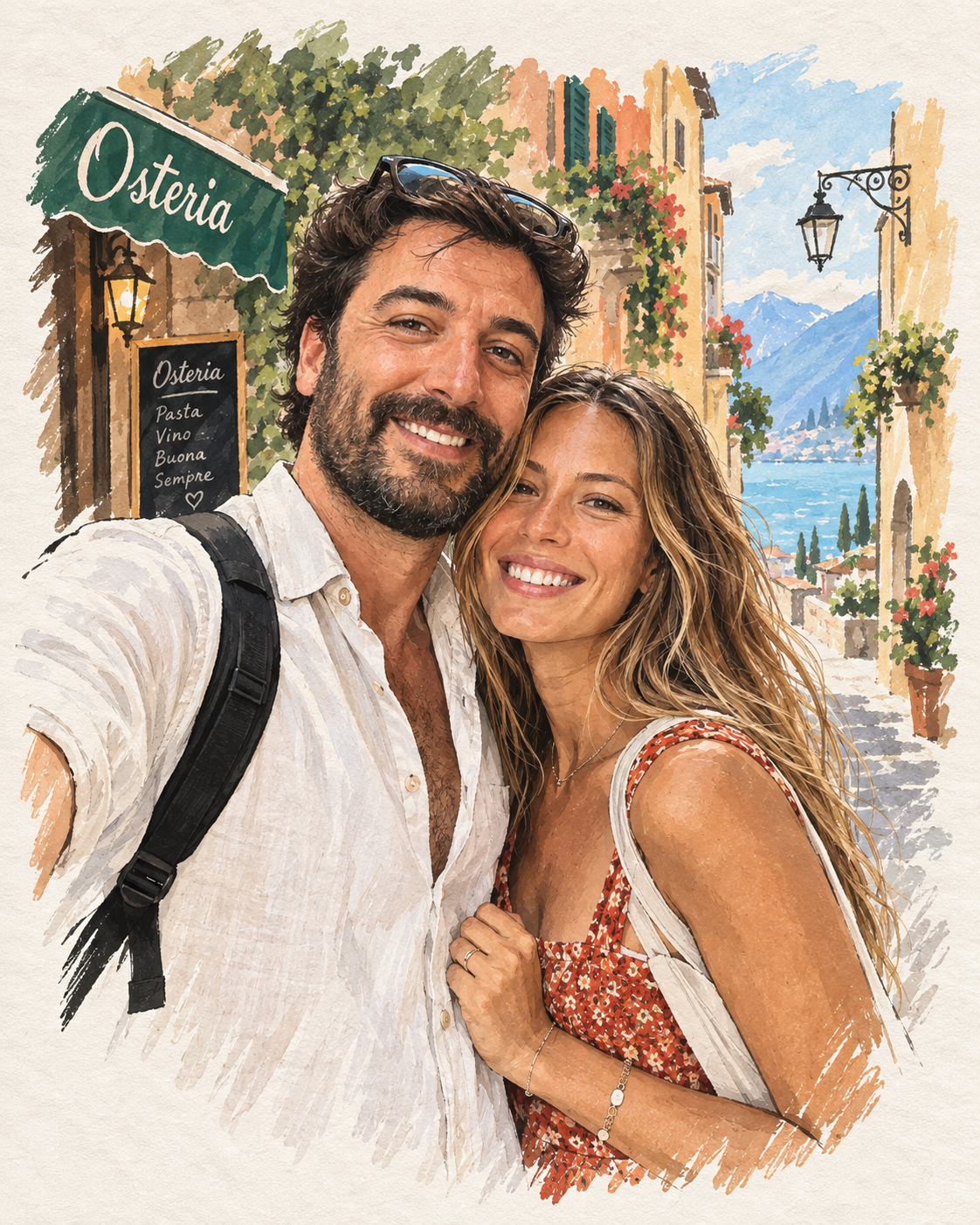
How to use and evaluate “Cinematic potrait”
This lifestyle prompt is designed as an editable starting point, not a guaranteed one-click result. The notes below translate its JSON into a readable visual plan, identify the controls that matter, and show how to diagnose a weak generation without simply adding more text.
Prompt-specific blueprint
The core prompt is intentionally free-form. Use the builder preview to inspect the complete JSON and keep subject, scene, lighting, and framing decisions separated during revision.
Recommended workflow
- 01
Prepare the input
Choose reference images you have permission to use. For Cinematic potrait, prioritize a clear subject and avoid unrelated people or private details in the frame.
- 02
Lock the visual plan
Confirm subject count, framing, scene, and lighting before adding finishing language. Resolve conflicts such as close-up versus full-body composition.
- 03
Adapt for one model
Start with ChatGPT Image. Keep a baseline generation and document the exact model version, references, aspect ratio, and visible settings.
- 04
Revise from evidence
Name the visible failure, change one instruction block, and compare it against the baseline. Keep only revisions that improve the intended criterion.
Model adaptation notes
ChatGPT Image
Keep the JSON structure, attach references in the same conversation, and use follow-up edits for one local correction at a time.
A compatibility label means the visual intent can be adapted; it does not promise identical output across providers, versions, or settings.
Prompt-specific quality checklist
- The output preserves the intended lifestyle subject and scene.
- Lighting direction, camera framing, and environmental details agree.
- The result can be compared against the prompt’s stated purpose.
Failures to check before publishing
- Identity, subject geometry, or anatomy changed unexpectedly.
- Important objects are missing, duplicated, or visibly warped.
- Unwanted text, logos, watermarks, or synthetic artifacts appeared.
Why the editable controls matter
Gender
Required identity direction for the reference subject.
People count
Default is a single uploaded reference person.
Background
Changes Prompt.Scene.Background without requiring a full prompt rewrite.
Outfit style
Changes Prompt.Outfit.Style without requiring a full prompt rewrite.
Identity or subject drift
Reduce competing style language, improve the reference, and separate stable traits from pose, gaze, and expression.
Composition breaks
Check whether crop, shot distance, aspect ratio, subject count, and required objects can all be satisfied in one frame.
Artificial lighting or texture
Name a motivated light source and believable material behavior before adding grain, grading, sharpness, or resolution terms.
 @cankirkgoz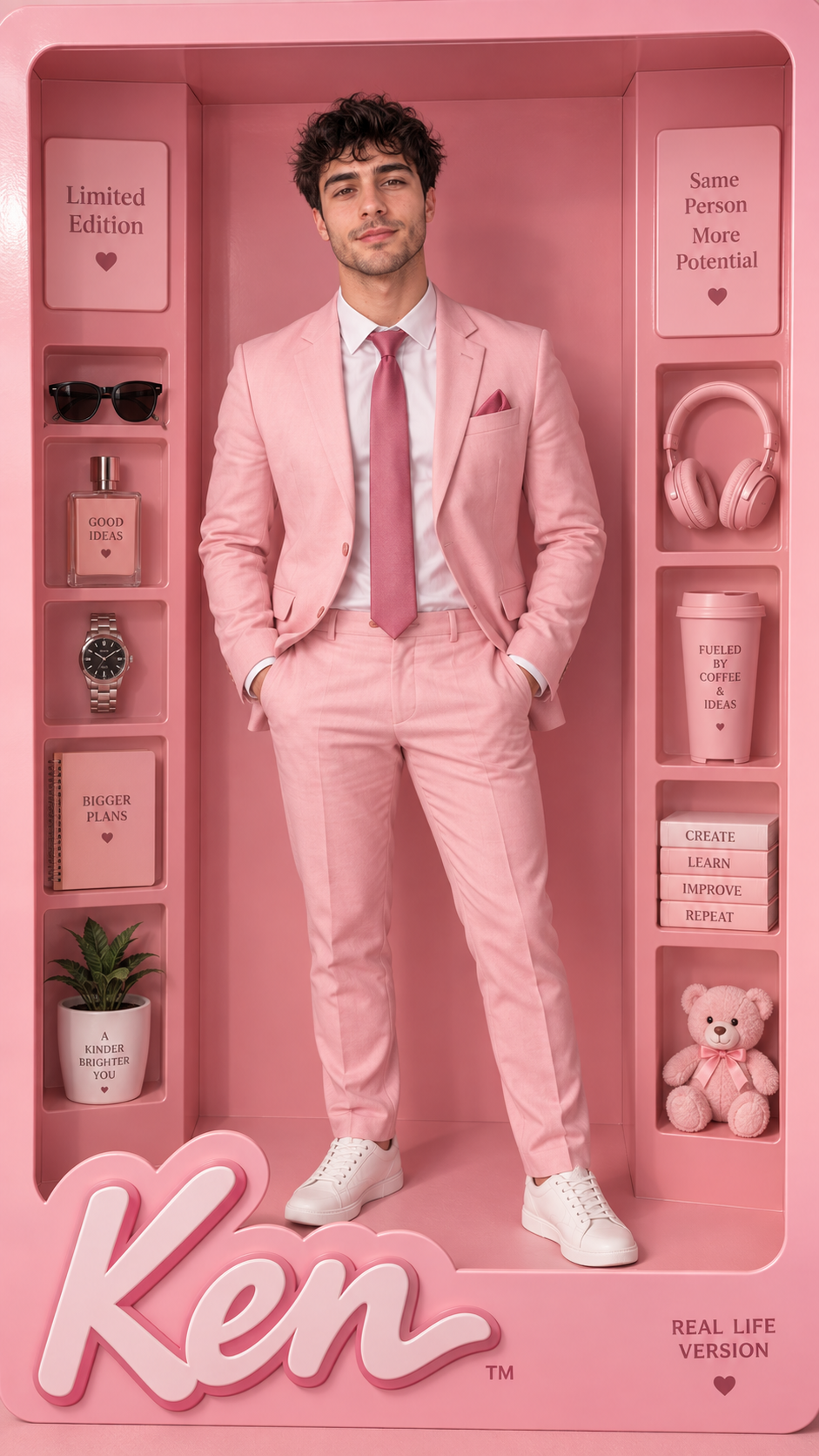
Comments
Share the result you got, attach an image, and reply to other people's results.
You need to sign in to comment.