
How to use and evaluate “Could You Take a Photo? A Seaside-Walk Phone Snapshot”
This lifestyle prompt is designed as an editable starting point, not a guaranteed one-click result. The notes below translate its JSON into a readable visual plan, identify the controls that matter, and show how to diagnose a weak generation without simply adding more text.
Prompt-specific blueprint
Scene and atmosphere
- Location
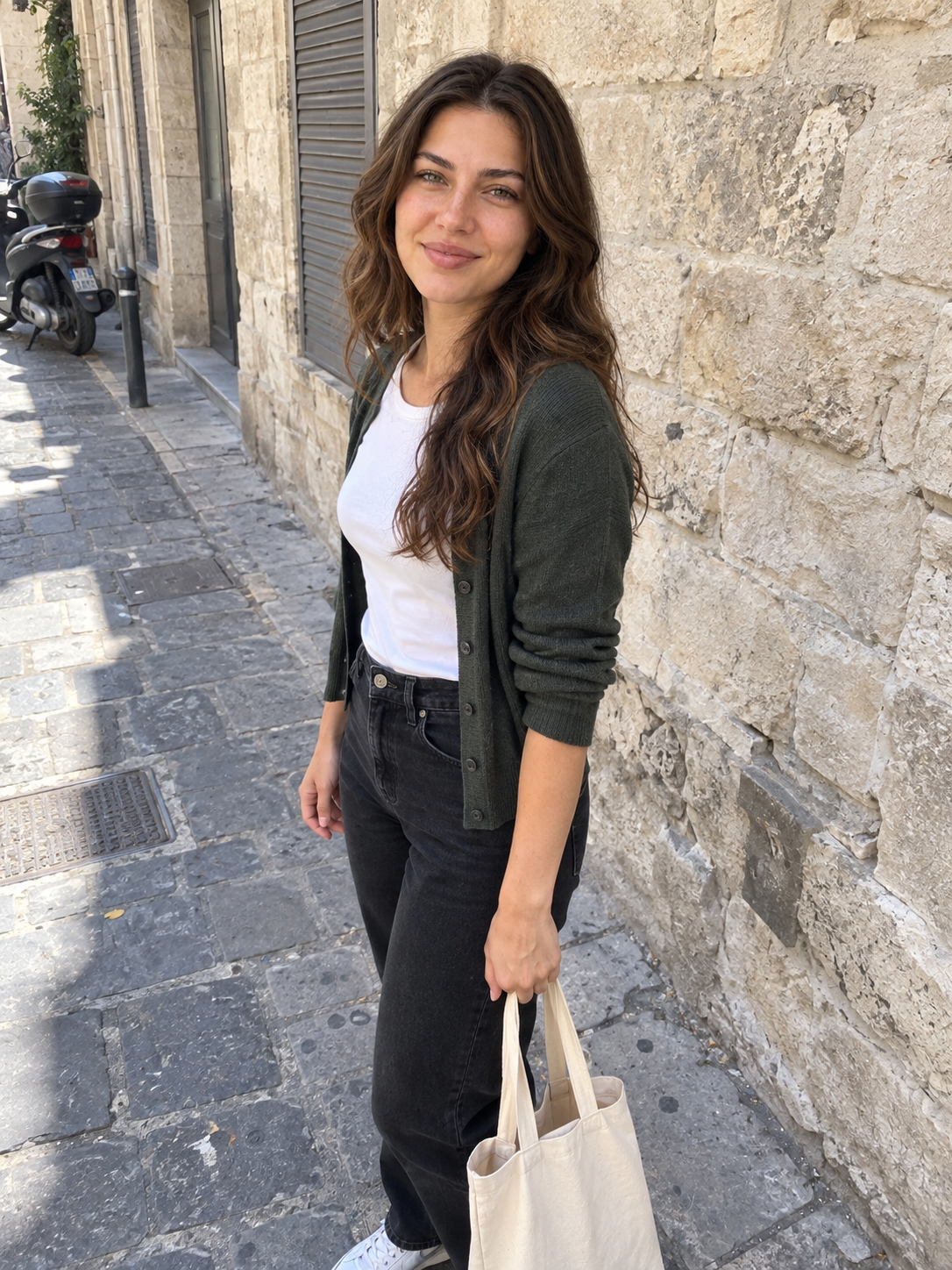
- A real paved seaside promenade with a plain metal railing, grey-blue water, a low distant shoreline and a few ordinary bollards. Some scuffs and stains on the pavement. Keep the setting visually plain, no yacht or dramatic coast.
- Time
- Bright overcast late afternoon.
- Mood
- A casual outing and a slightly self-conscious smile for a helpful stranger.
Visual treatment
- Photography
- A normal unedited photograph from a personal phone camera roll. Mild everyday phone sharpening and compression, modest dynamic range, visible ordinary surroundings. Not a professional image, not deliberately styled to look candid, and not made artificially ugly or grainy.
- Camera
- Default smartphone REAR camera at 1x, about 26mm equivalent, held by a stranger two to three metres away. No portrait mode.
- Lighting
- Flat open-sky daylight with ordinary mild shadows; no cinematic modeling or perfect glowing face.
- Color Mood
- Ordinary default phone colour processing and believable white balance; no coordinated colour palette or cinematic grade.
- Depth Of Field
- Keep background details reasonably clear as a normal small-sensor phone does; no artificial portrait blur or creamy lens bokeh.
Composition and wardrobe
- People Count Label
- one uploaded reference person
- People Count
- single
- Reference Instruction
- Preserve the reference identity while changing expression and perspective naturally for this phone photo.
- Shot Type
- 3:4 vertical full-body snapshot, more surroundings than in a professional portrait, slightly crooked horizon and imperfect empty pavement.
- Wardrobe · Clothing
- A plain navy crew-neck sweatshirt, naturally faded straight-leg blue jeans and clean but visibly worn white sneakers. No luxury accessories, no coordinated fashion styling.
- Wardrobe · Pose
- Standing near the railing, shoulders a bit uneven, one hand in a pocket, the other loose; feet naturally placed, not crossed like a model.
- Wardrobe · Hair
- Reference-accurate hair, ordinary flyaways and slight natural mess, not salon styling.
Recommended workflow
- 01
Prepare the input
Choose reference images you have permission to use. For Could You Take a Photo? A Seaside-Walk Phone Snapshot, prioritize a clear subject and avoid unrelated people or private details in the frame.
- 02
Lock the visual plan
Confirm subject count, framing, scene, and lighting before adding finishing language. Resolve conflicts such as close-up versus full-body composition.
- 03
Adapt for one model
Start with ChatGPT Image. Keep a baseline generation and document the exact model version, references, aspect ratio, and visible settings.
- 04
Revise from evidence
Name the visible failure, change one instruction block, and compare it against the baseline. Keep only revisions that improve the intended criterion.
Model adaptation notes
ChatGPT Image
Keep the JSON structure, attach references in the same conversation, and use follow-up edits for one local correction at a time.
A compatibility label means the visual intent can be adapted; it does not promise identical output across providers, versions, or settings.
Prompt-specific quality checklist
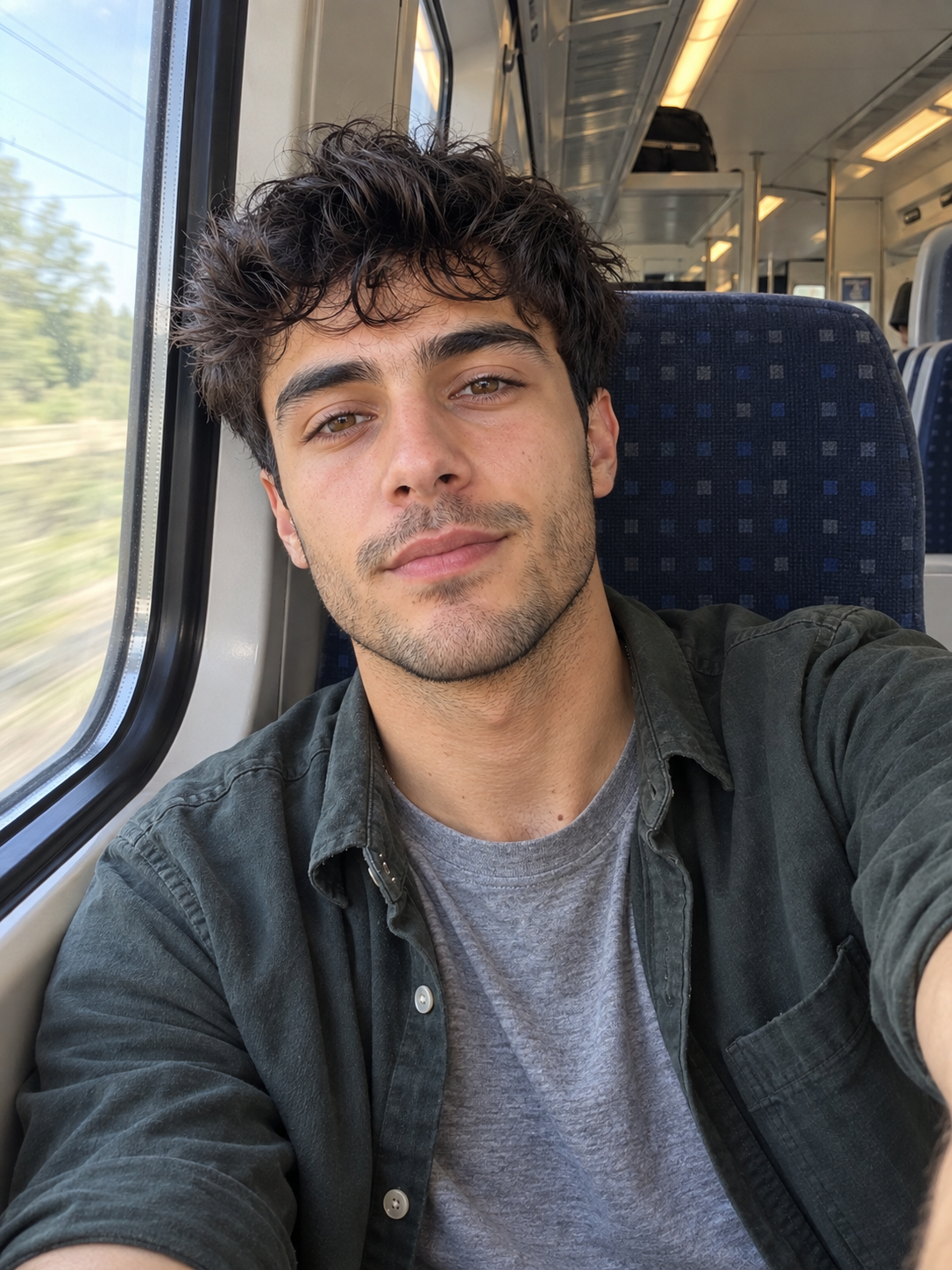
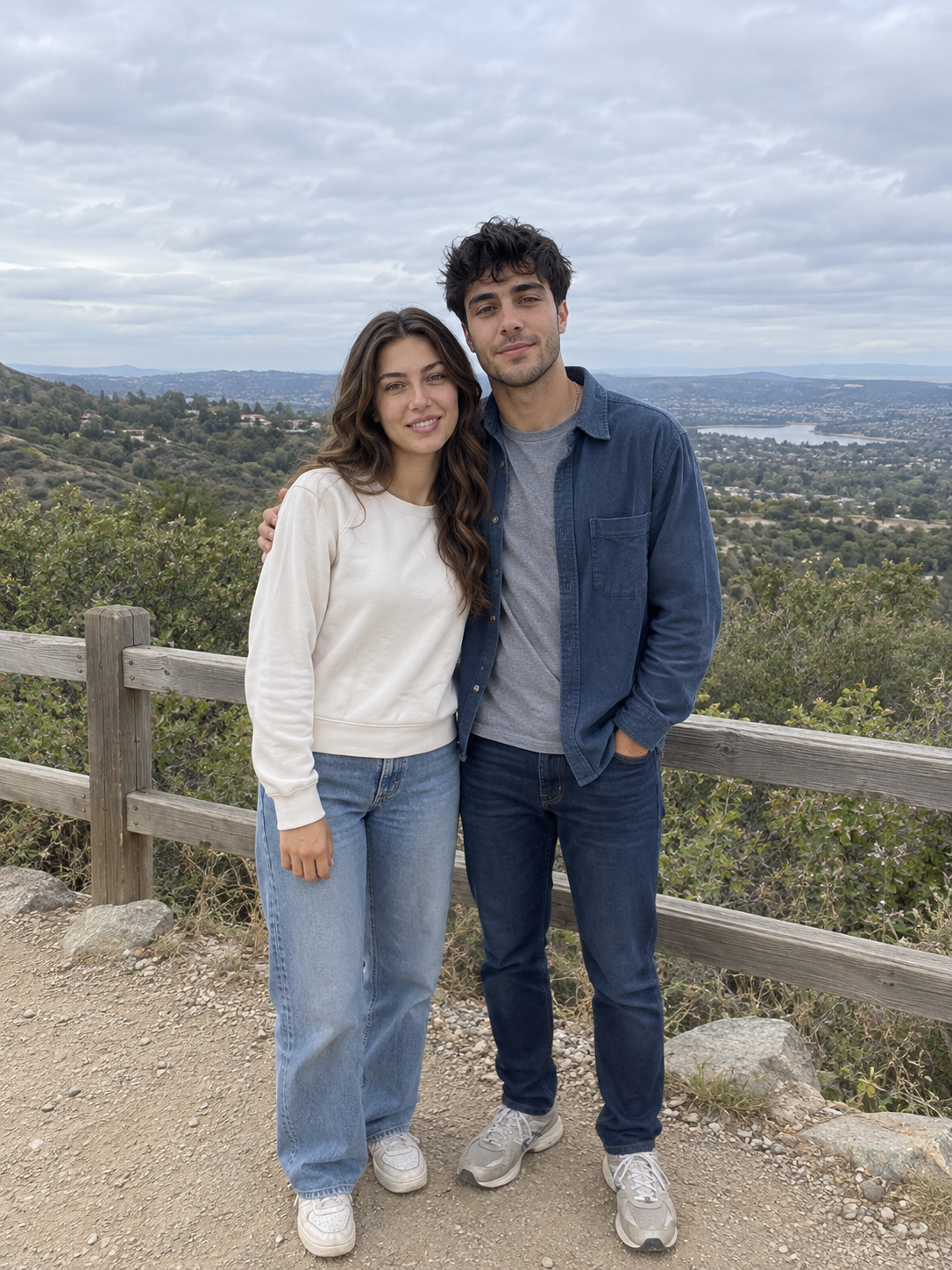
- Capture one believable photo with an ordinary reason for taking it: a selfie or asking someone to take a keepsake.
- Let the phone framing remain mildly imperfect; do not polish composition, lighting, clothing or location into a campaign.
- Anatomy and face identity must stay sound; imperfection comes from capture conditions, not from distorted bodies.
Failures to check before publishing
- advertising photograph
- fashion campaign
- editorial photography
- cinematic film still
- professional portrait lighting
- studio fill light
- reflector lighting
Why the editable controls matter
Gender
Required identity direction for the reference subject.
People count
Default is a single uploaded reference person.
Lighting
Changes Prompt.Style.Lighting without requiring a full prompt rewrite.
Mood
Changes Prompt.Scene.Mood without requiring a full prompt rewrite.
Color palette
Changes Prompt.Style.Color Mood without requiring a full prompt rewrite.
Shot size
Changes Prompt.Composition.Shot Type without requiring a full prompt rewrite.
Identity or subject drift
Reduce competing style language, improve the reference, and separate stable traits from pose, gaze, and expression.
Composition breaks
Check whether crop, shot distance, aspect ratio, subject count, and required objects can all be satisfied in one frame.
Artificial lighting or texture
Name a motivated light source and believable material behavior before adding grain, grading, sharpness, or resolution terms.
 @cankirkgoz
Comments
Share the result you got, attach an image, and reply to other people's results.
You need to sign in to comment.