
Luxury Elevator Mirror Selfie
ChatGPT Image
Customize prompt →Browse photo ideas whose creators list Gemini as a supported tool or as the source of the example image. Use the preview to choose a composition, then adapt the editable prompt to your own subject. Gemini's image features are also known as Nano Banana; available controls and results depend on the model and interface you use.
Read in TürkçeModel labels describe creator-supplied compatibility or the source of an example. They do not mean every prompt has been tested in every model. Free and creator-priced prompts are labeled on their detail pages.
ChatGPT Image
Customize prompt →
ChatGPT Image
Customize prompt →
ChatGPT Image
Customize prompt →
Gemini
Customize prompt →
ChatGPT Image
Customize prompt →
ChatGPT Image
Customize prompt →
ChatGPT Image
Customize prompt →
ChatGPT Image
Customize prompt →
ChatGPT Image
Customize prompt →
ChatGPT Image
Customize prompt →
ChatGPT Image
Customize prompt →
ChatGPT Image
Customize prompt →
Gemini
Customize prompt →
ChatGPT Image
Customize prompt →
ChatGPT Image
Customize prompt →
Gemini
Customize prompt →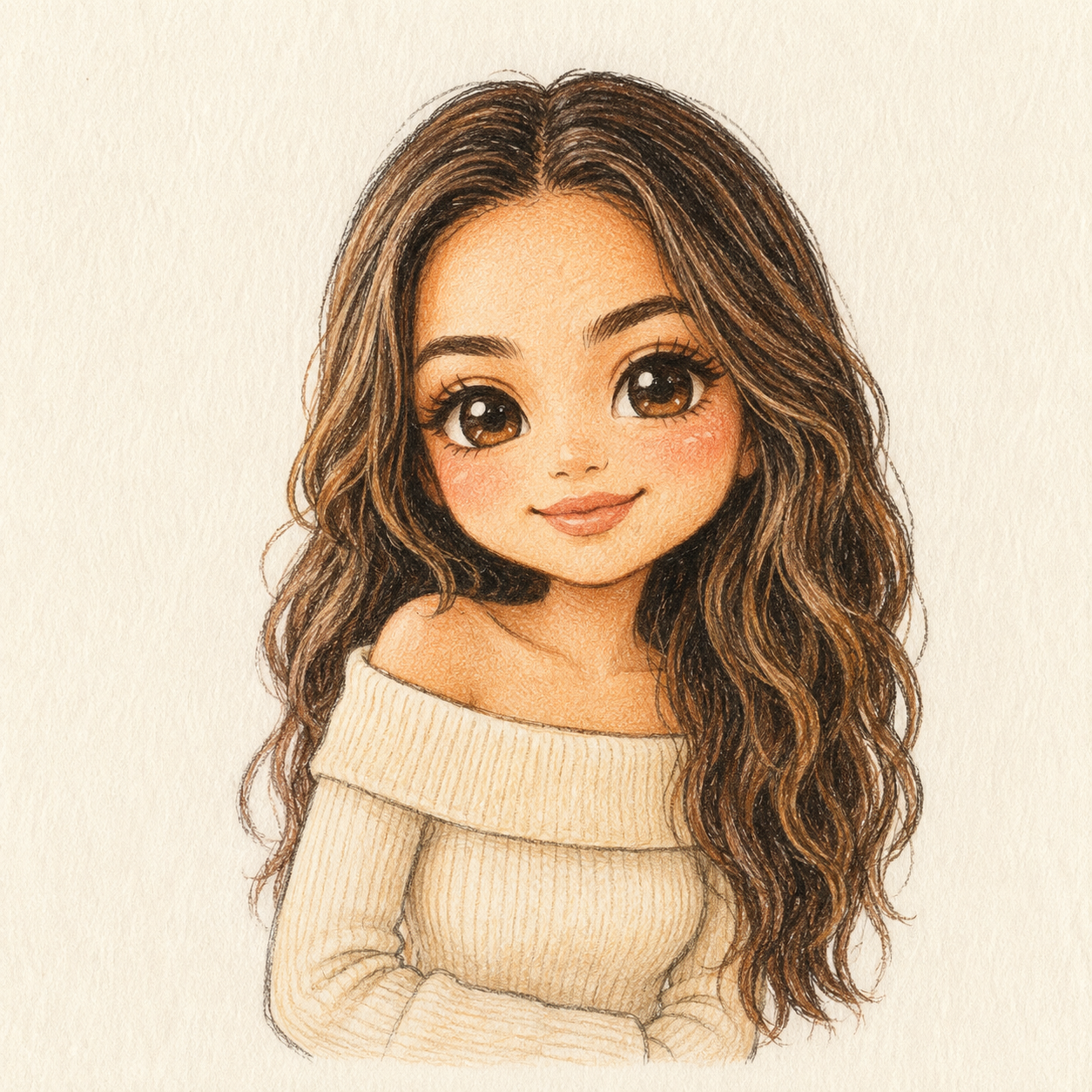
ChatGPT Image
Customize prompt →
ChatGPT Image
Customize prompt →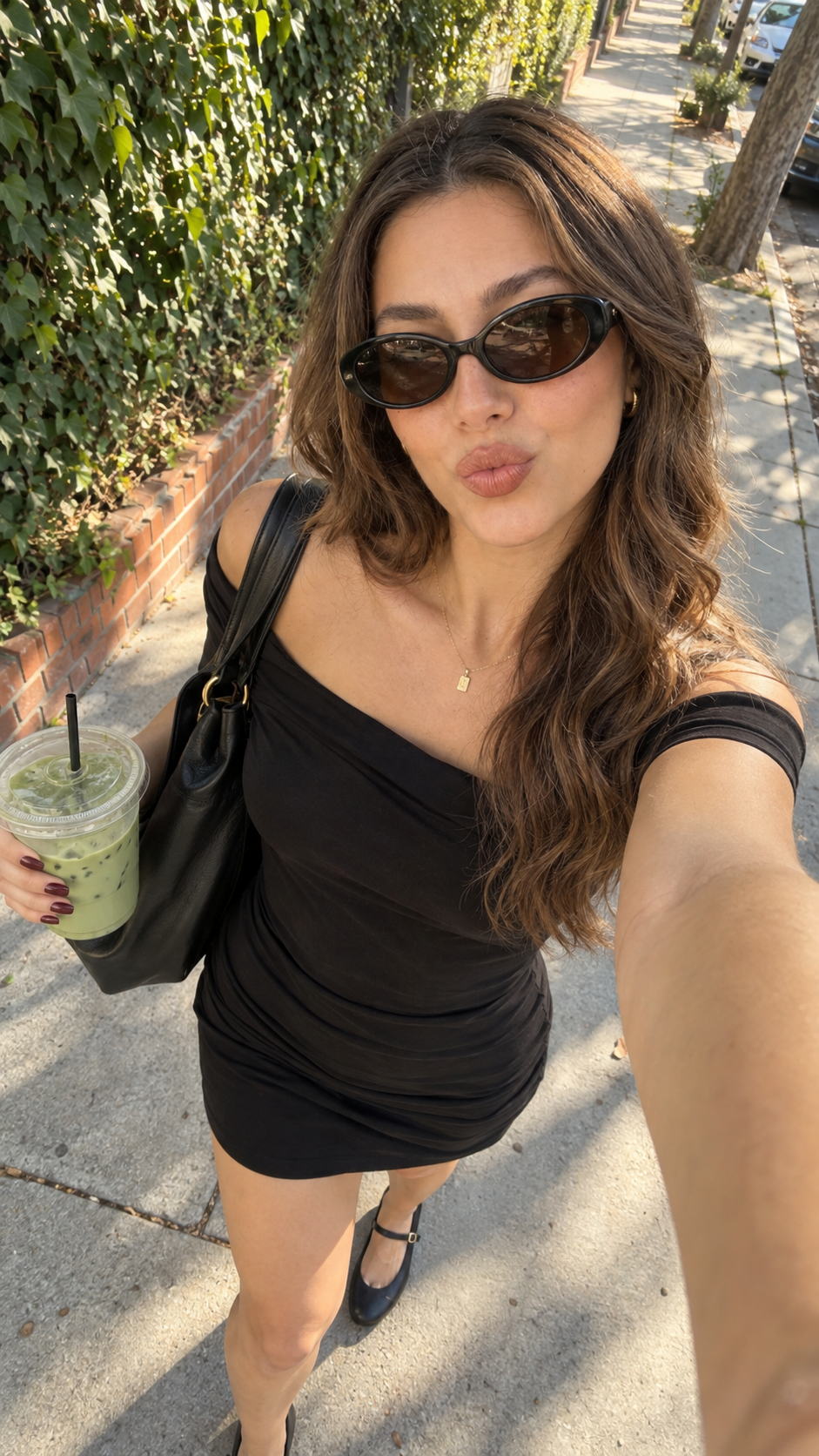
ChatGPT Image
Customize prompt →
ChatGPT Image
Customize prompt →
Gemini
Customize prompt →
Gemini
Customize prompt →
Gemini
Customize prompt →
ChatGPT Image
Customize prompt →Create a candid travel photograph of two adults sitting at an outdoor cafe. They are smiling at each other, with both faces clearly visible. Soft morning light, a pale stone street in the background, eye-level medium shot, realistic clothing folds and natural skin texture. No readable signs.
If a reference pose keeps appearing in a new scene, explicitly separate appearance from pose. If several people merge or disappear, reduce the composition to a clear subject count and distinct positions. Keep the prompt readable rather than repeating the same constraint in many fields.
It is a visual brief split into named fields such as subject, scene and lighting. The structure makes edits easier to track. It is not a universal image-generation API format, and some tools work better with a plain-language version of the same brief.
For workflows that support reference images, use your own photo or an image you have permission to use. State which appearance details should remain consistent and which pose or background should change. Upload the reference to the image tool separately.
An example shows a direction to explore. Different models, model versions, references and settings can produce different results. Read the creator's source label and compatibility notes, then adapt the prompt to your workflow.