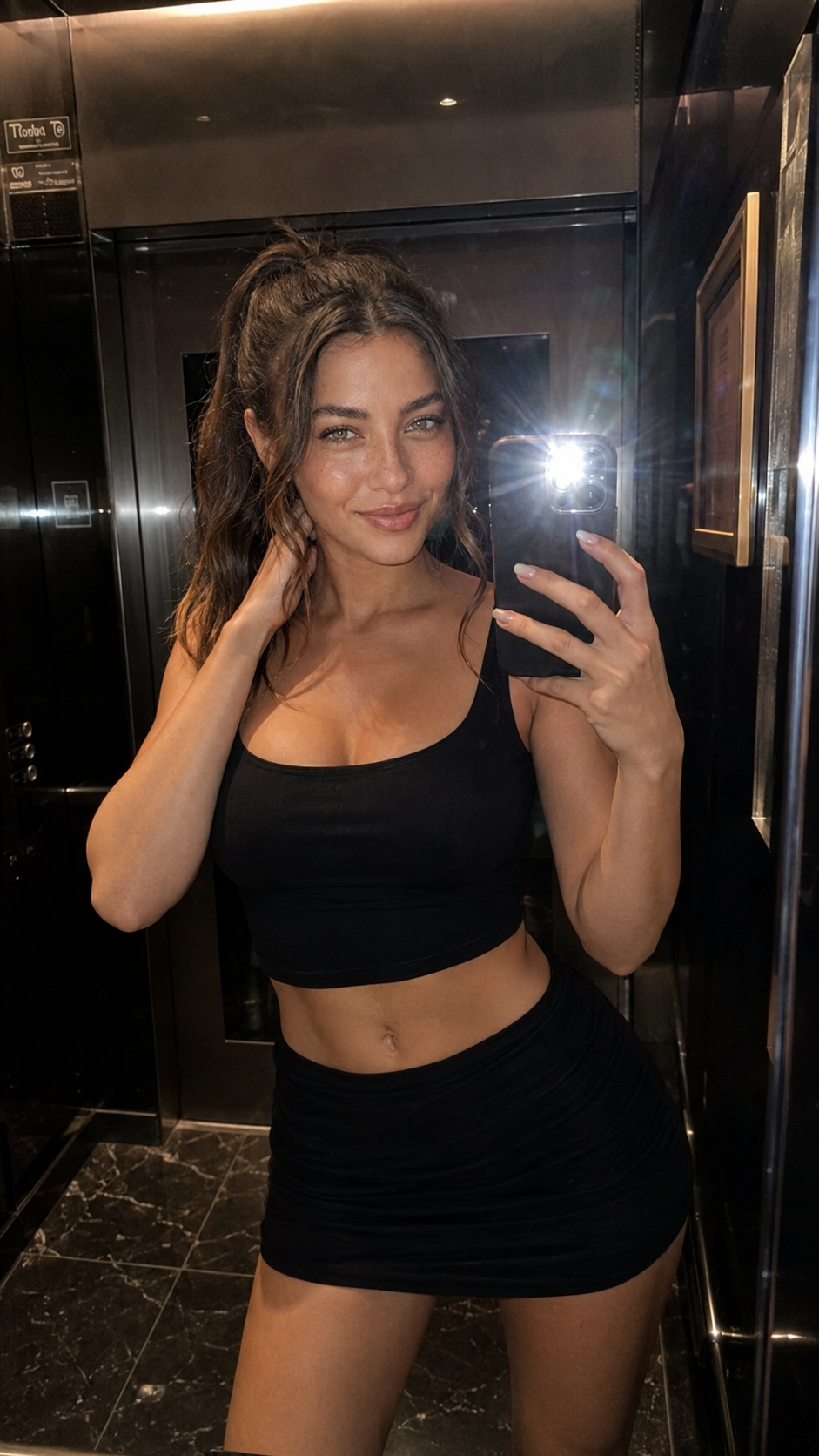
Luxury Elevator Mirror Selfie
ChatGPT Image
Customize prompt →Explore prompts that creators have associated with Midjourney. The example image may have been generated in another tool, so check its source label and adaptation notes. PromptGena helps organize a visual brief; for Midjourney, turn that brief into a focused description rather than treating JSON field names as special commands.
Read in TürkçeModel labels describe creator-supplied compatibility or the source of an example. They do not mean every prompt has been tested in every model. Free and creator-priced prompts are labeled on their detail pages.
ChatGPT Image
Customize prompt →
ChatGPT Image
Customize prompt →
ChatGPT Image
Customize prompt →
Gemini
Customize prompt →
ChatGPT Image
Customize prompt →
ChatGPT Image
Customize prompt →
ChatGPT Image
Customize prompt →
ChatGPT Image
Customize prompt →
ChatGPT Image
Customize prompt →
ChatGPT Image
Customize prompt →
ChatGPT Image
Customize prompt →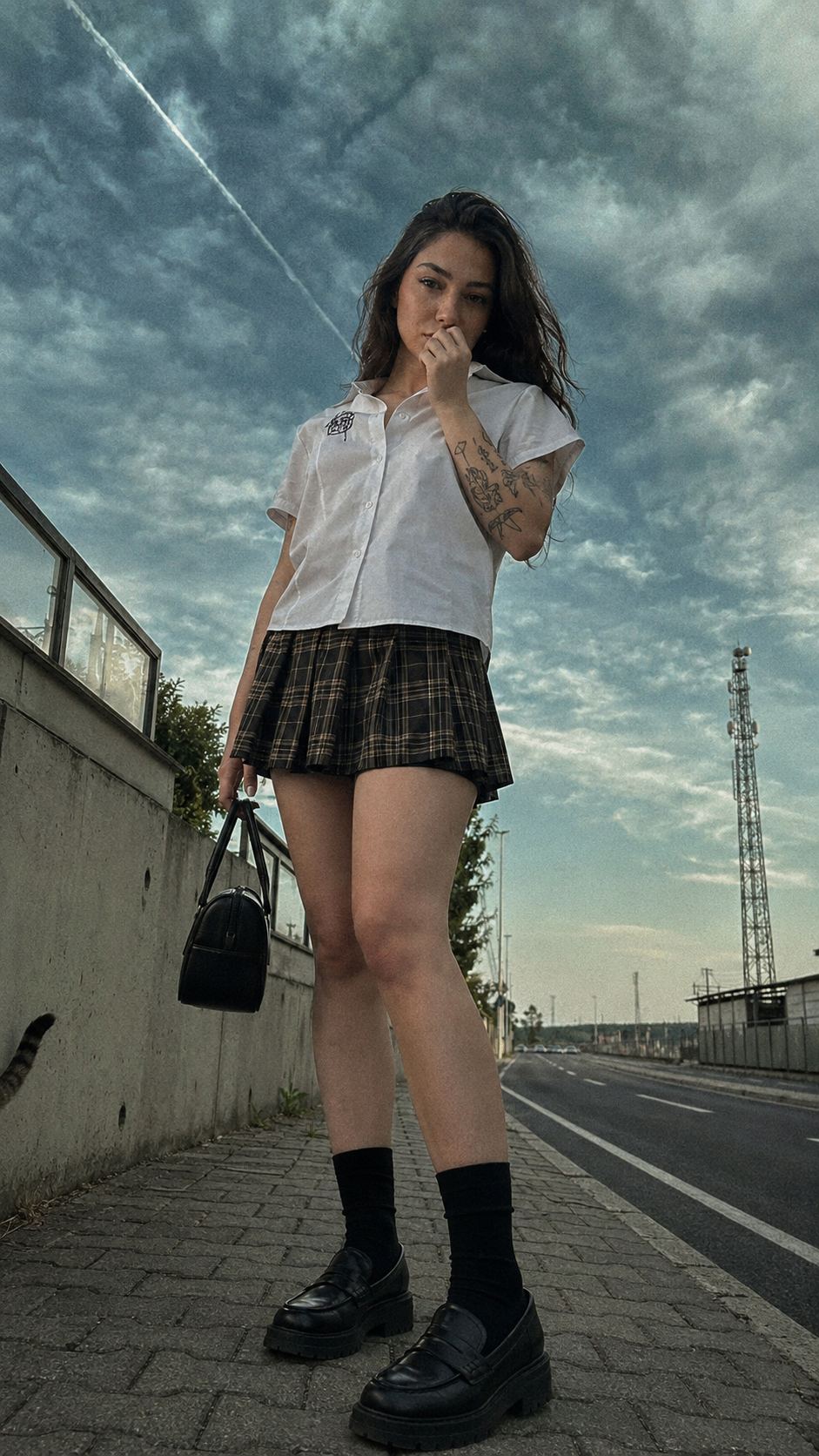
ChatGPT Image
Customize prompt →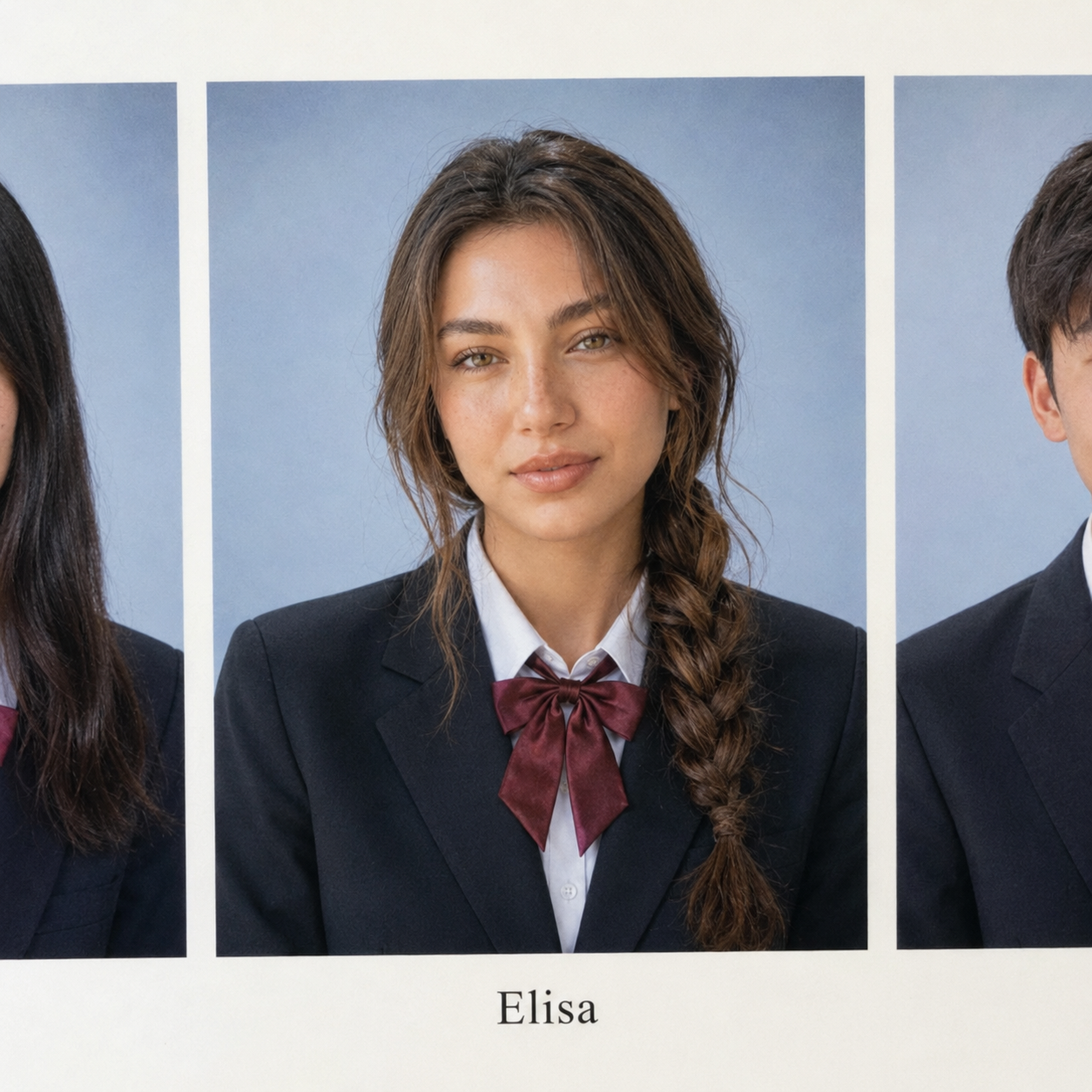
ChatGPT Image
Customize prompt →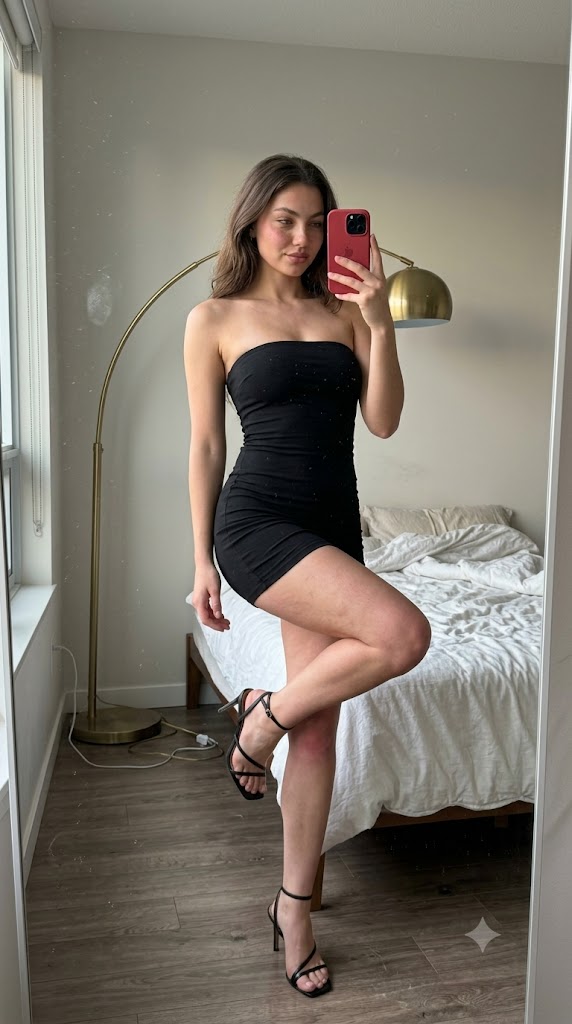
Gemini
Customize prompt →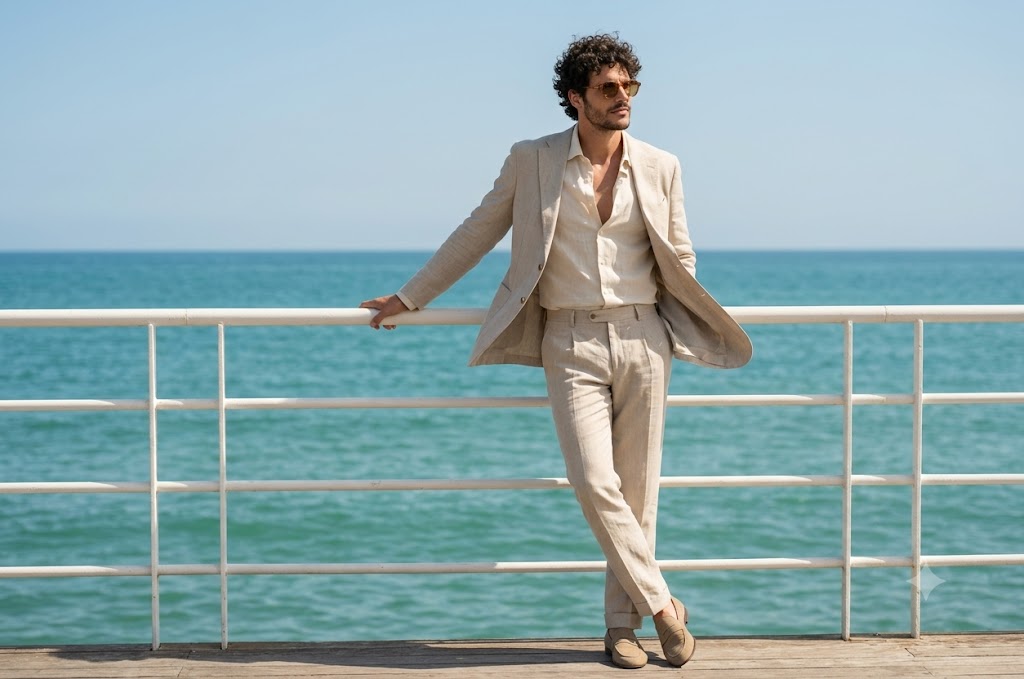
Gemini
Customize prompt →
ChatGPT Image
Customize prompt →
ChatGPT Image
Customize prompt →
ChatGPT Image
Customize prompt →
ChatGPT Image
Customize prompt →
Gemini
Customize prompt →
ChatGPT Image
Customize prompt →
ChatGPT Image
Customize prompt →
Gemini
Customize prompt →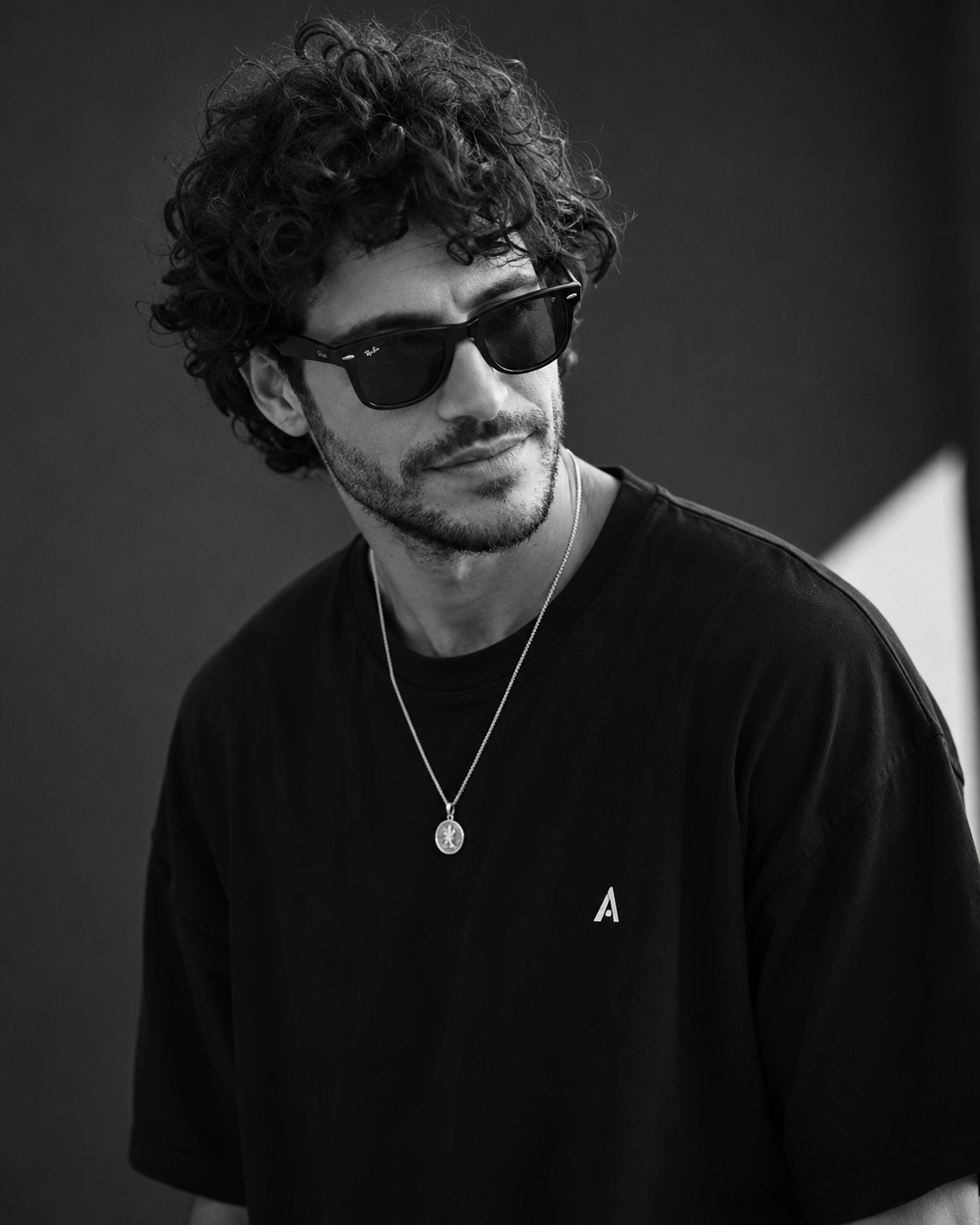
ChatGPT Image
Customize prompt →Editorial photograph of a ceramic perfume bottle on pale limestone, soft side lighting, warm ivory palette, subtle reflections, generous negative space, close-up product composition.
If the result drifts from the brief, remove competing styles and put the main subject first. A long list of exclusions can distract from the intended image. Check the model's documentation for current parameters instead of copying settings from a different image tool.
It is a visual brief split into named fields such as subject, scene and lighting. The structure makes edits easier to track. It is not a universal image-generation API format, and some tools work better with a plain-language version of the same brief.
For workflows that support reference images, use your own photo or an image you have permission to use. State which appearance details should remain consistent and which pose or background should change. Upload the reference to the image tool separately.
An example shows a direction to explore. Different models, model versions, references and settings can produce different results. Read the creator's source label and compatibility notes, then adapt the prompt to your workflow.