
Luxury Elevator Mirror Selfie
ChatGPT Image
Customize prompt →Start with an image you want to make, then open its prompt to change the subject, setting and lighting. These community prompts list ChatGPT in their compatibility information or example-image source. Check each prompt's model notes: a compatible prompt is a starting point, not a promise of an identical result.
Read in TürkçeModel labels describe creator-supplied compatibility or the source of an example. They do not mean every prompt has been tested in every model. Free and creator-priced prompts are labeled on their detail pages.
ChatGPT Image
Customize prompt →
ChatGPT Image
Customize prompt →
ChatGPT Image
Customize prompt →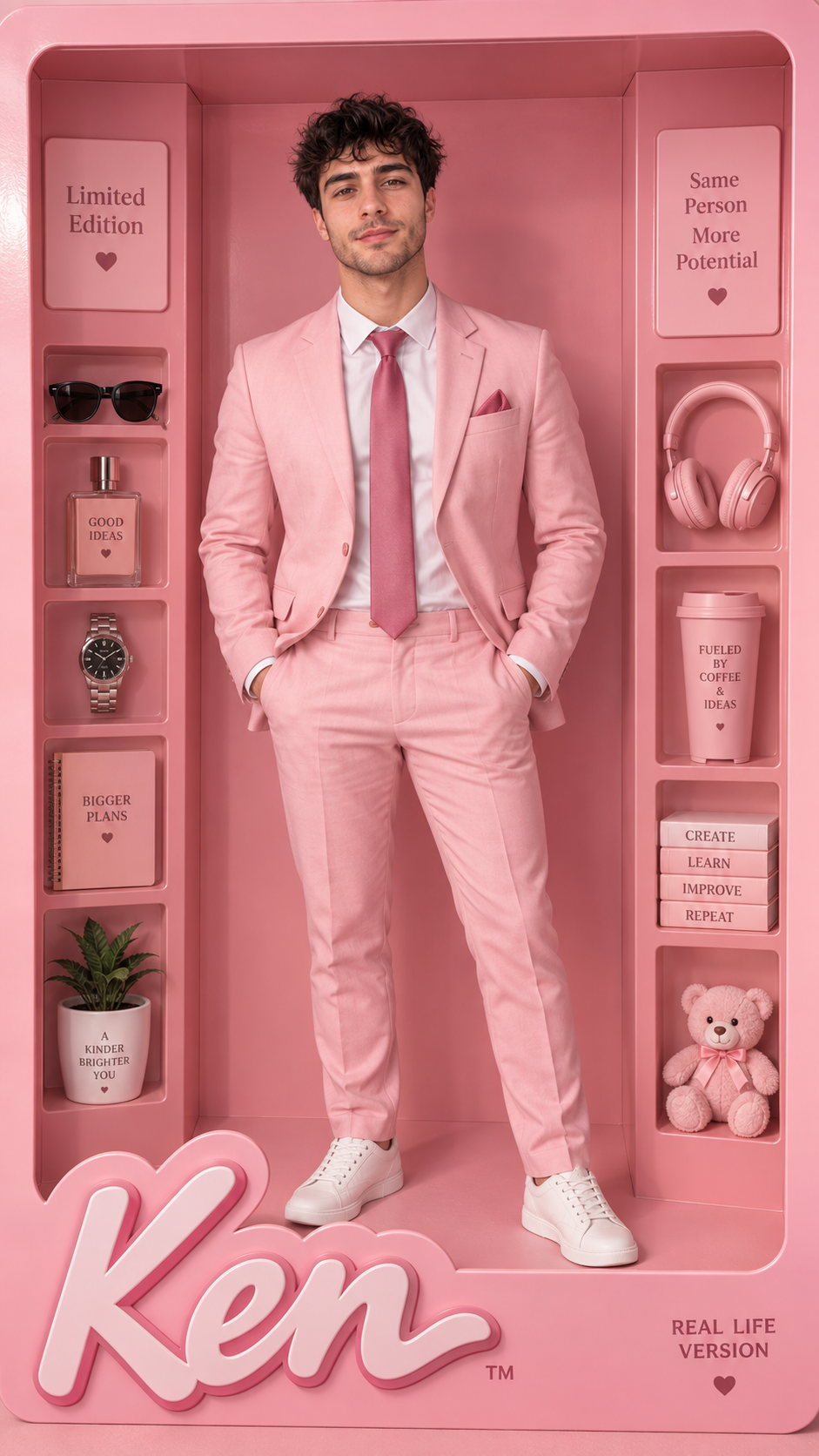
ChatGPT Image
Customize prompt →
Gemini
Customize prompt →
ChatGPT Image
Customize prompt →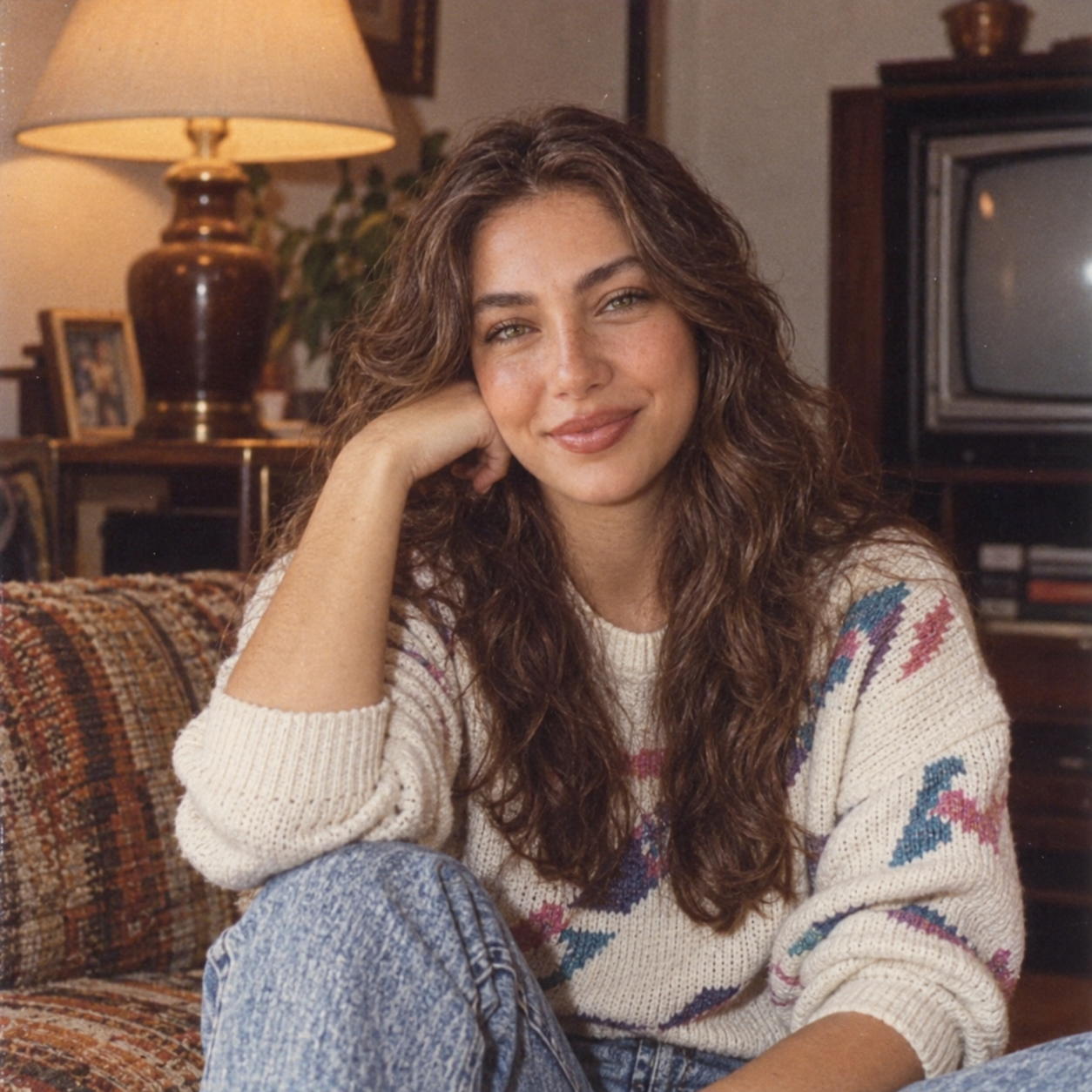
ChatGPT Image
Customize prompt →
ChatGPT Image
Customize prompt →
ChatGPT Image
Customize prompt →
ChatGPT Image
Customize prompt →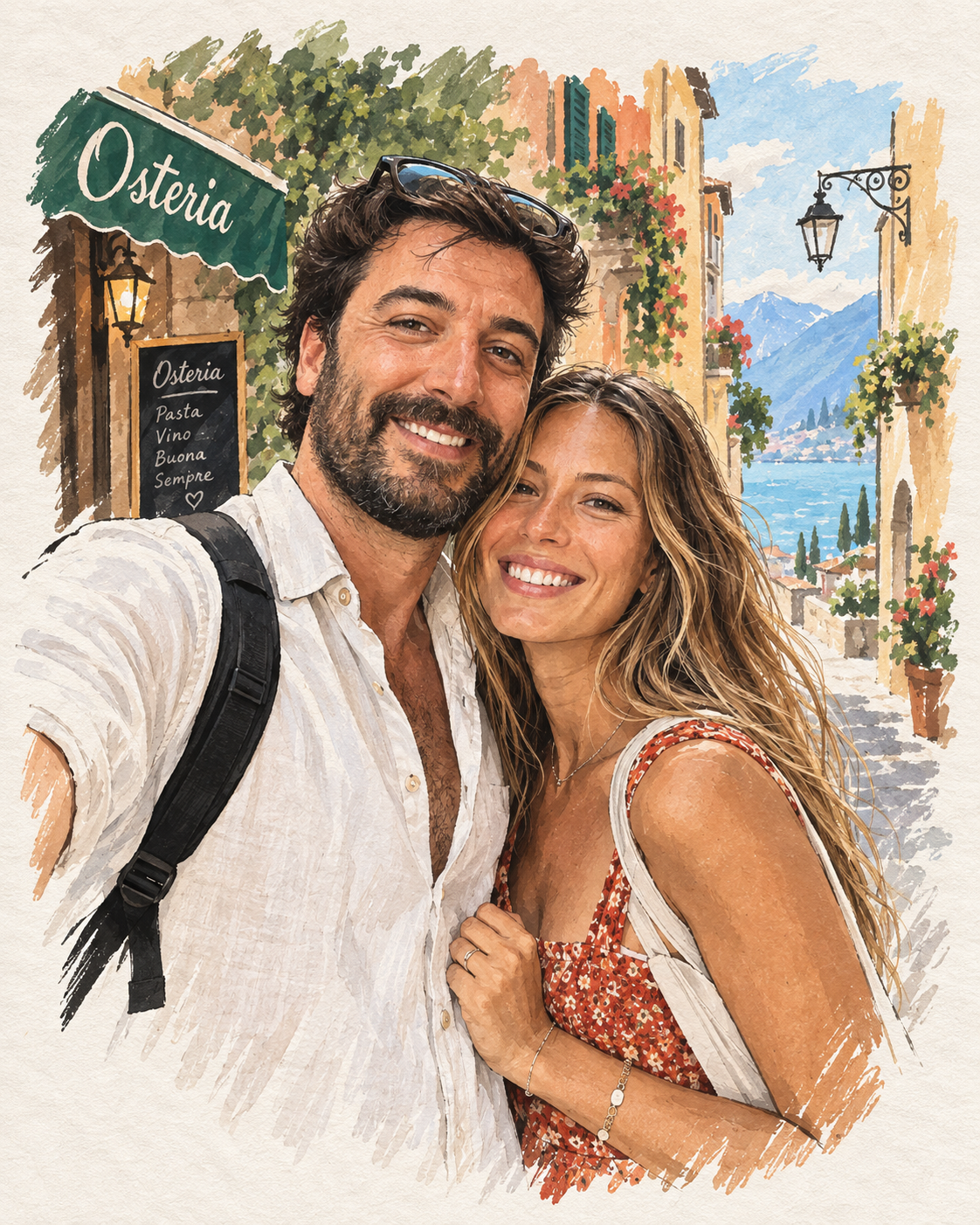
ChatGPT Image
Customize prompt →
ChatGPT Image
Customize prompt →
ChatGPT Image
Customize prompt →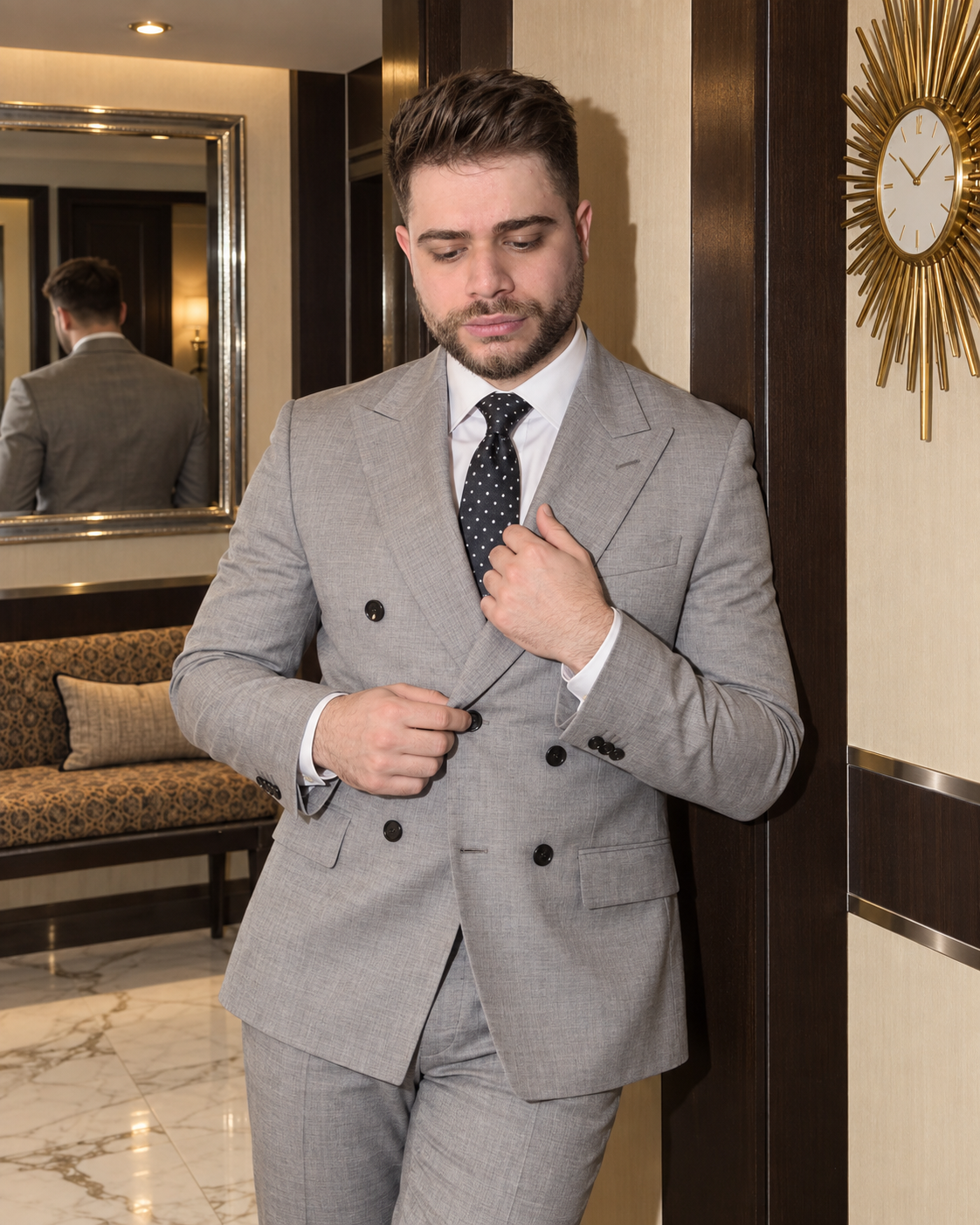
ChatGPT Image
Customize prompt →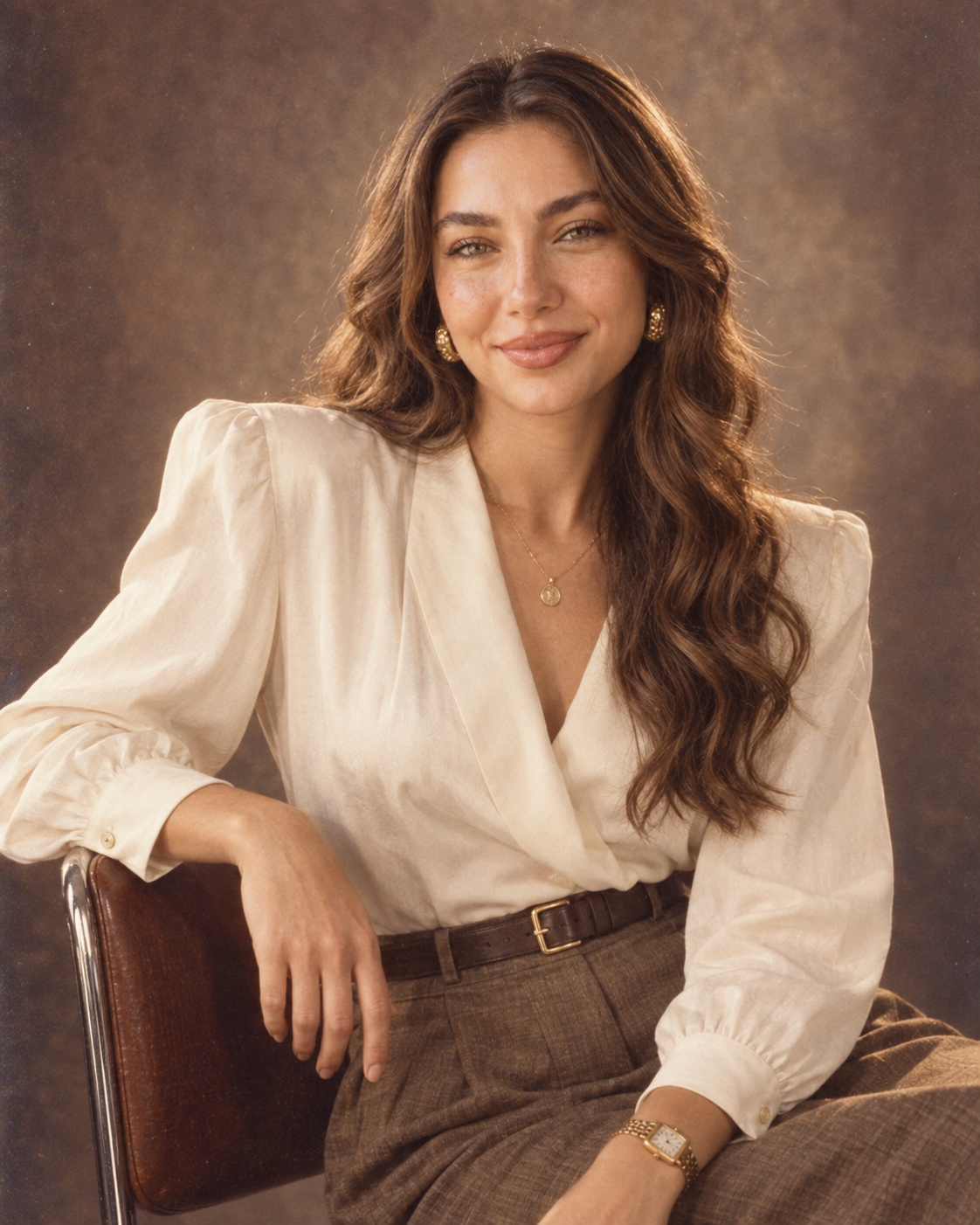
ChatGPT Image
Customize prompt →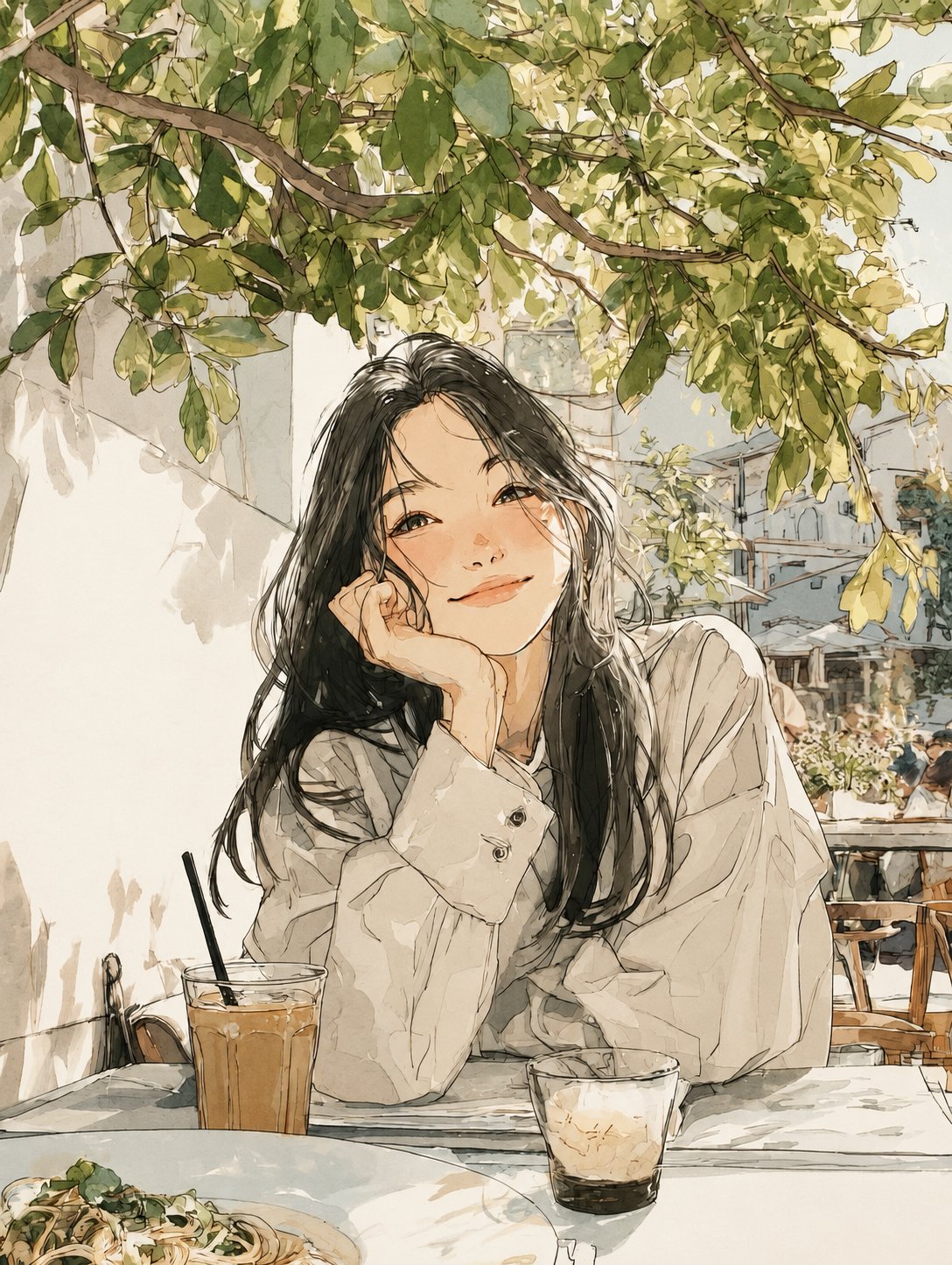
ChatGPT Image
Customize prompt →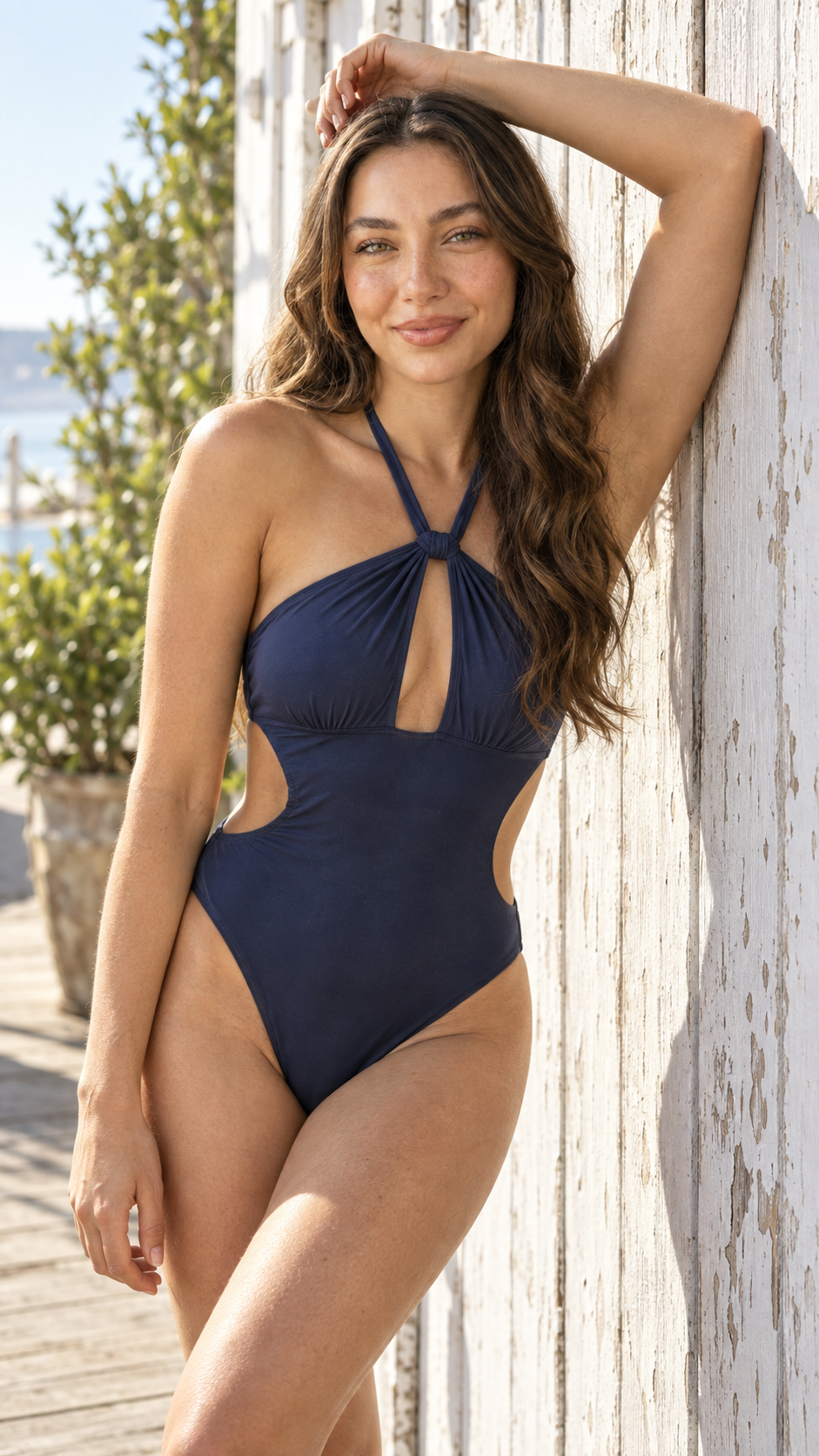
ChatGPT Image
Customize prompt →
ChatGPT Image
Customize prompt →
ChatGPT Image
Customize prompt →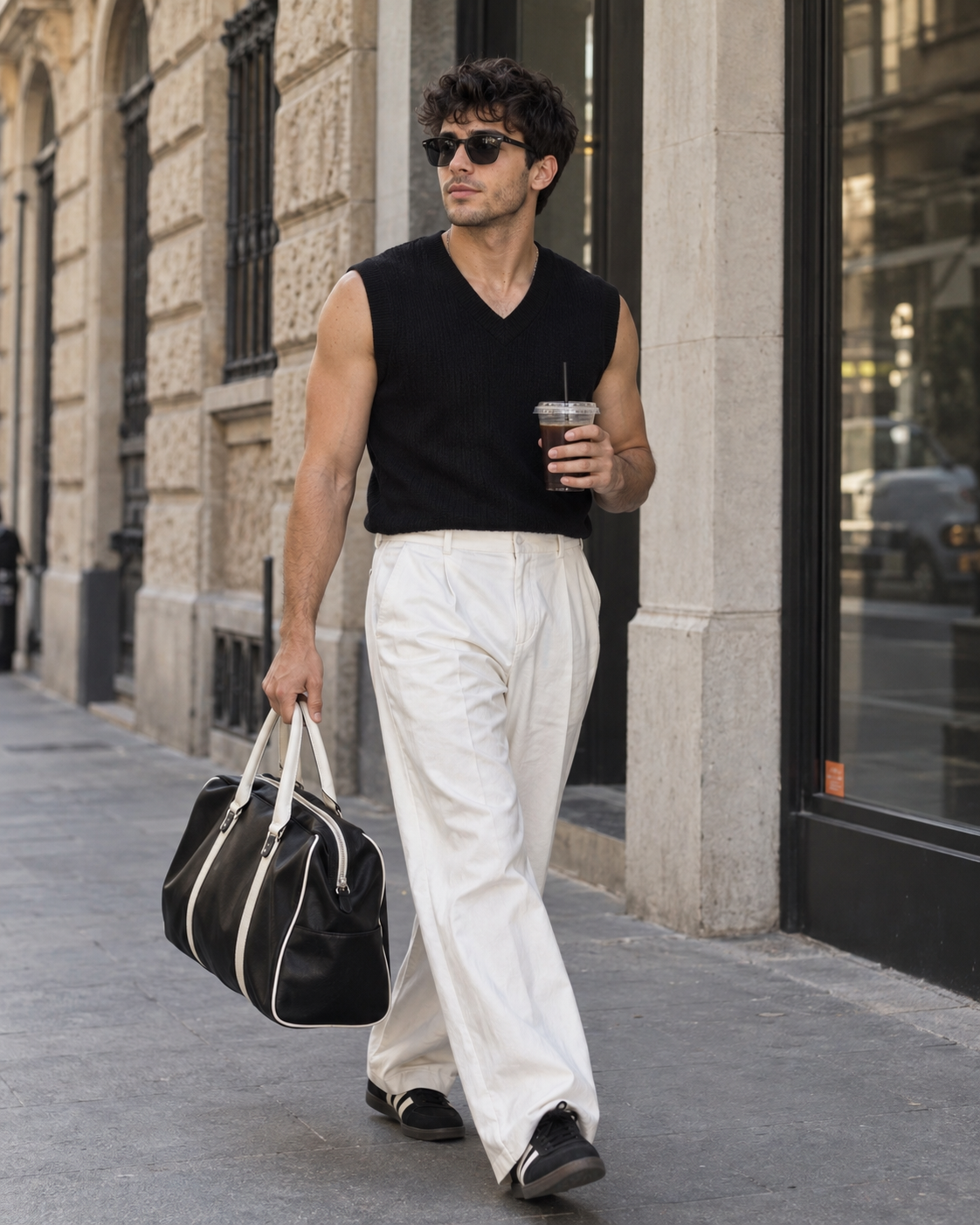
Gemini
Customize prompt →
ChatGPT Image
Customize prompt →
ChatGPT Image
Customize prompt →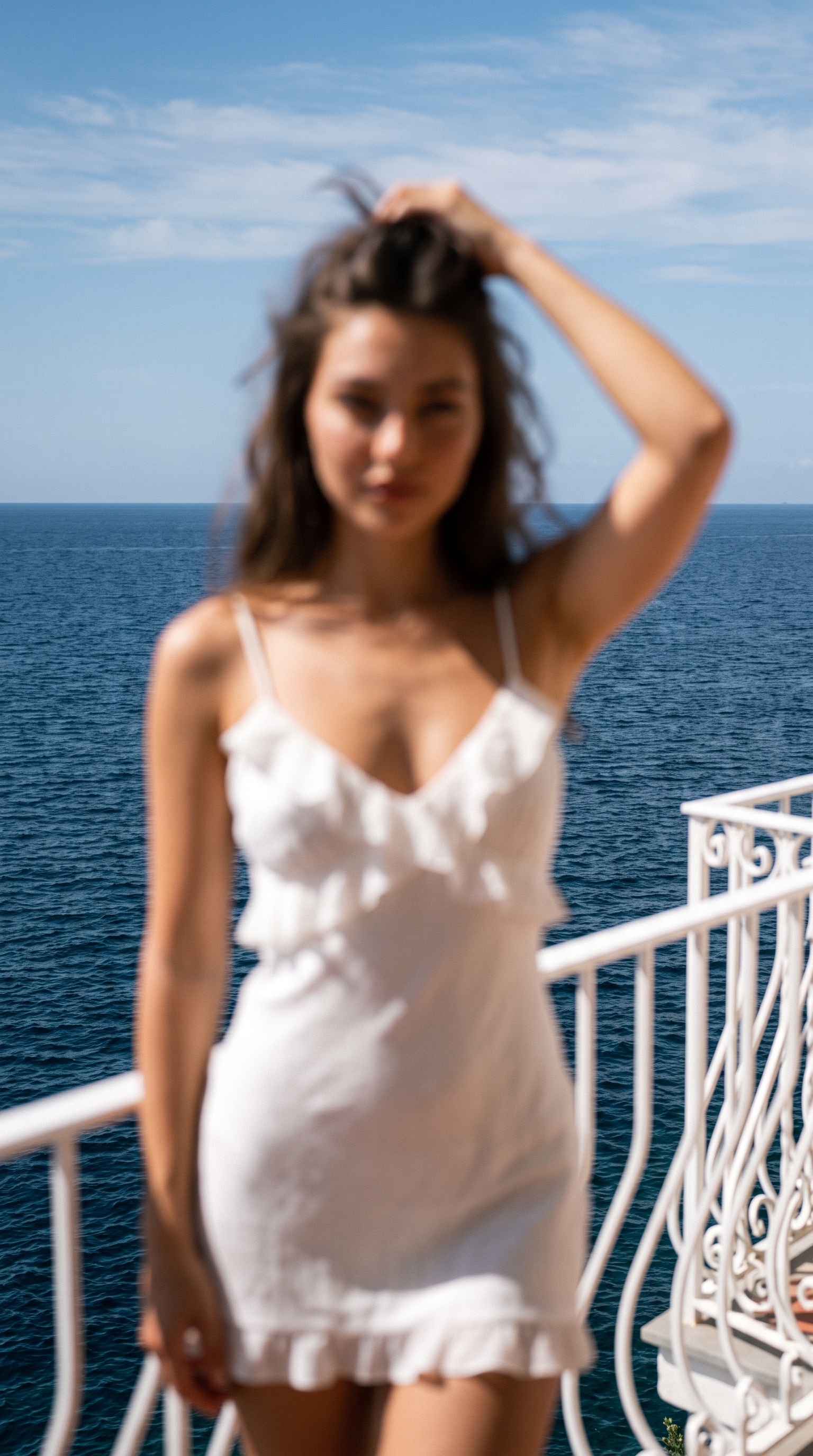
Gemini
Customize prompt →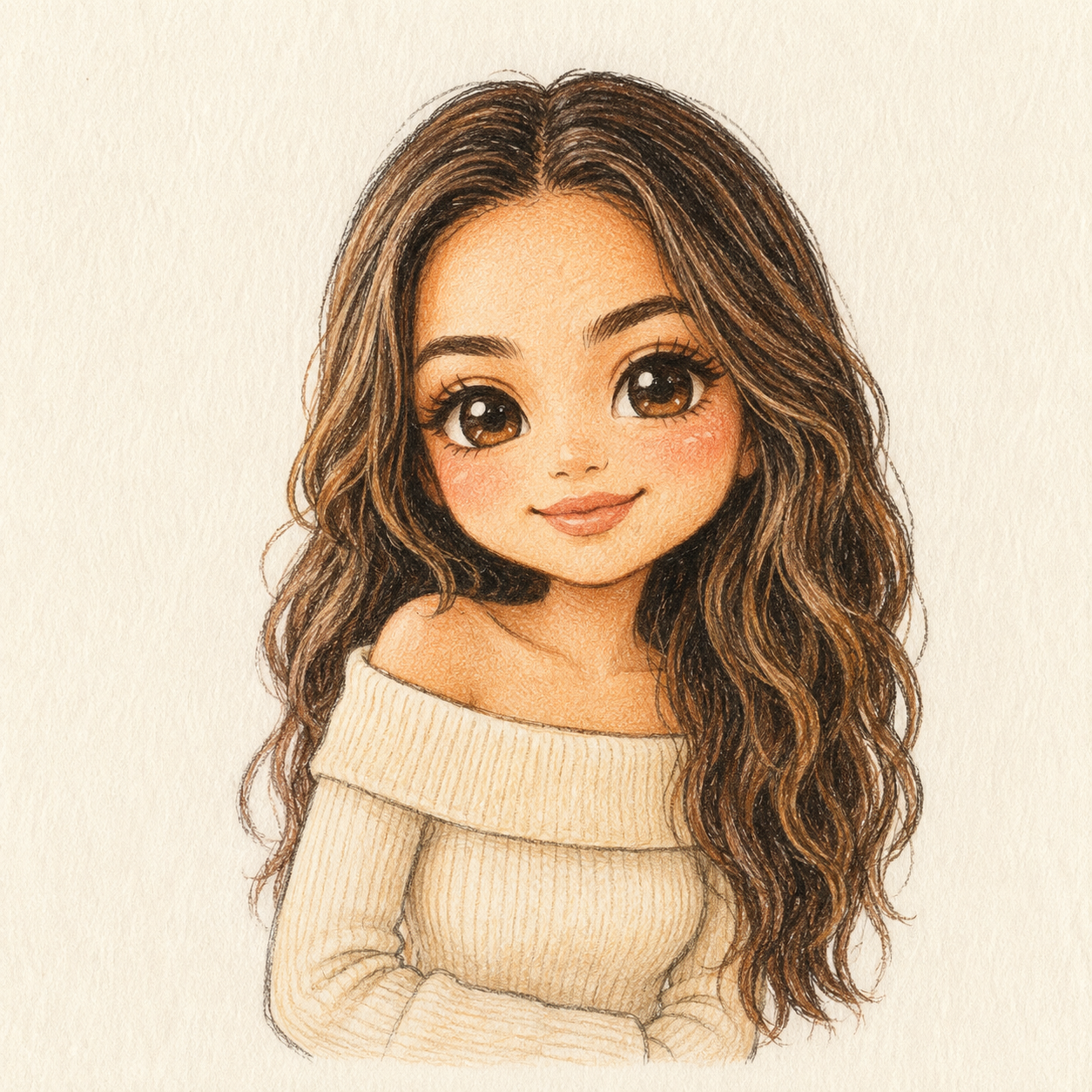
ChatGPT Image
Customize prompt →Create an editorial portrait of one adult in a quiet bookshop. Waist-up framing at eye level, relaxed posture, soft window light from the left, natural skin texture. Keep the shelves softly out of focus and leave room above the head. Avoid text and logos.
If the face changes too much, simplify the scene and clarify which reference supplies the identity. If a hand or object looks wrong, ask for a targeted correction instead of adding more style adjectives. Keep the original prompt so you can compare each revision.
It is a visual brief split into named fields such as subject, scene and lighting. The structure makes edits easier to track. It is not a universal image-generation API format, and some tools work better with a plain-language version of the same brief.
For workflows that support reference images, use your own photo or an image you have permission to use. State which appearance details should remain consistent and which pose or background should change. Upload the reference to the image tool separately.
An example shows a direction to explore. Different models, model versions, references and settings can produce different results. Read the creator's source label and compatibility notes, then adapt the prompt to your workflow.